

Some of the latest keyboard and notebook models no longer have LED indicators for the status of the Caps Lock, Num Lock and Scroll Lock keys, and some people prefer not to have to look away from their monitors even if their input devices are equipped with these indicators. Keyboard Lights is a straightforward application that provides you with a solution to these issues, as it displays a virtual version of the classic keyboard LEDs in desktop area whenever one of these keys is pressed. Whenever you press one of the keys mentioned above, a sound effect is played and a notification is displayed in the system tray area to let you know which of them are currently active.
Vovsoft Keyboard Lights is an easy to use application that provides an alternative to the classic keyboard lights that indicate the status of the Caps Lock, Num Lock and Scroll Lock keys. This program is very useful for keyboards and laptop computers that have no hardware LED indicators.


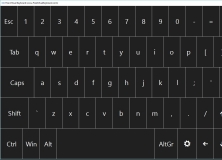
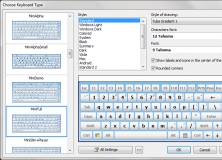
Use an on-screen keyboard on touch screens with customizable interface.












Comments